
New Setup
June 2026
I am using my raspberry pi for a hobby project and I want to update the OS and various things to prepare it for that. I am explaining the steps I took here.
Accessing the Raspberry Pi
I’ve had it unplugged for some time and I haven’t setup access with my new computer. Here are the steps I took to regain access:
- Plug in the raspberry pi and ethernet.
- Use old computer to ssh in. On old computer:
sudo nano /etc/ssh/sshd_config- change
PasswordAuthentication notoPasswordAuthentication yes sudo service ssh reload
- Now from new computer:
ssh <username>@192.xxx.xxx.xxx(can useping raspberrypi.localto find IP address reservation)- Now you can enter the password and you’re in
- Exit out and back on new Mac:
ssh-keygenwhen prompted put in~/.ssh/pi(this creates a unique keypair just for the raspberry pi) and create a passphrase for it - Copy ssh key to pi:
cd ~/.sshthenssh-copy-id -i pi <username>@192.xxx.xxx.xxx - Add to Mac keychain:
ssh-add --apple-use-keychain pi - Add this entry to
nano ~/.ssh/config:Host pi Hostname 192.xxx.xxx.xxx User <username> AddKeysToAgent yes UseKeychain yes IdentityFile ~/.ssh/pi - Test in new terminal:
ssh pi
- From pi, disable password ssh again:
sudo nano /etc/ssh/sshd_config- change
PasswordAuthentication yestoPasswordAuthentication no sudo service ssh reload
Update the OS
I’m probably going to have to repeat the above steps again, but now I want to update the OS.
- First, ensure nothing necessary is on the pi as this will wipe the disk. If there is then copy it off.
Write to MicroSD
- Shutdown pi (on pi):
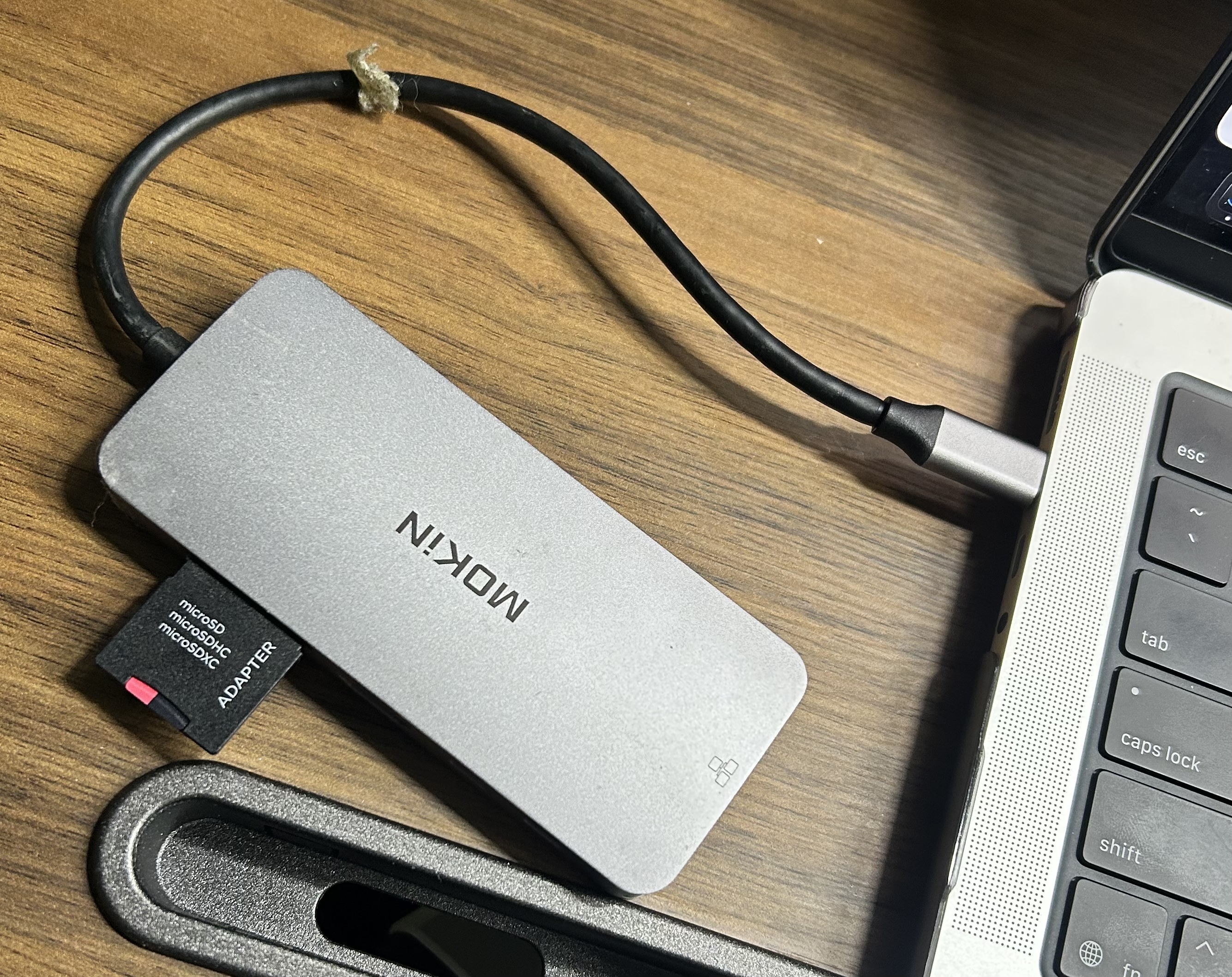
sudo poweroff - Pull the MicroSD card out of the back of the pi and insert in the adapter
- Download the raspberry pi imager for MacOS
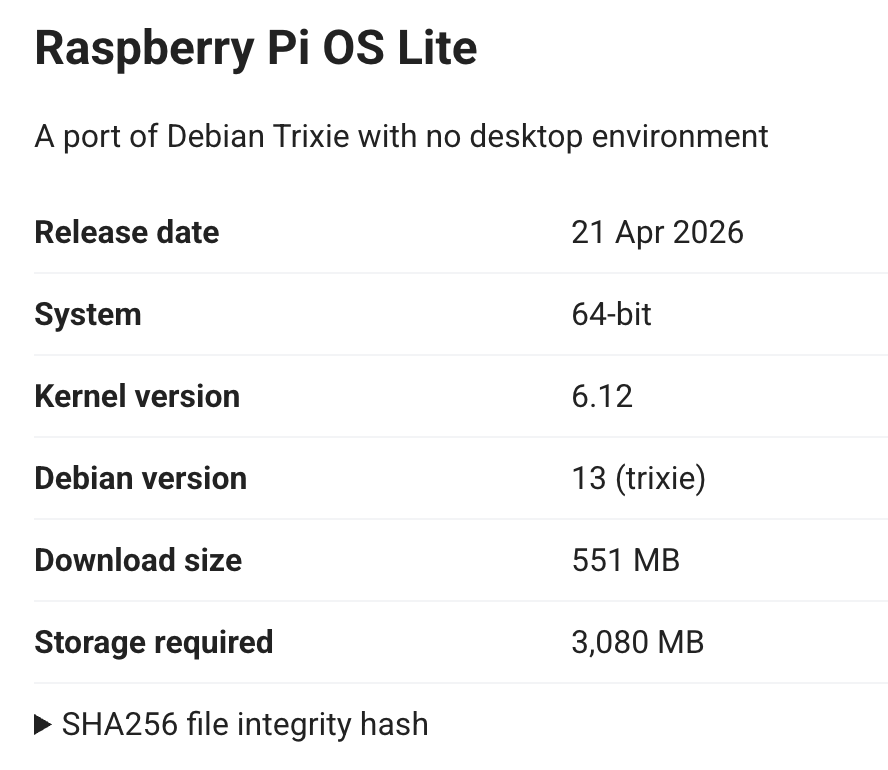
- Follow the steps. I select Other > Raspberry Pi OS Lite (64-bit) since I don’t need the desktop environment
- Customization:
- Hostname: pi
- Set appropriate capital/timezone/etc
- Set username and password
- Setup Wifi
- Enable ssh and add public key from steps above
- Keep raspberry pi connect disabled
- Write it! When it’s done disconnect it.
- Insert back into pi and power back on.
- Once on and give it a second, try
ssh pi(you may need to remove the existing entries from .ssh/known_hosts) - It works, but I get hit with:
-bash: warning: setlocale: LC_ALL: cannot change locale ... - On pi do:
sudo locale-gen en_US.UTF-8followed bysudo dpkg-reconfigure locales- Use spacebar to select and enter to submit, follow the prompts. Exit and retry and they errors go away.
SSH Setup (again)
- Disable password auth:
PasswordAuthentication no UsePAM no KbdInteractiveAuthentication no - Reload:
sudo service ssh reload - Had to debug the wifi not working:
sudo nmtui- Activate a connection
- Select wifi network and enter password
- Then I had to recreate the address reservation record in Deco (Advanced > Address Reservation > Select from Client > Select pi > Edit the IP address to be what it was before)
- To force it to update just unplug and replug in the pi
- I didn’t take any of the other steps on this page